 Yakki.ai
Twitter bookmarks are where valuable content goes to die. You save a thread about a marketing strategy, a technical insight, a tool recommendation. Weeks later, you need it. You scroll. And scroll. Twenty minutes pass. You give up. The information is there, somewhere, buried under thousands of other saves with no search, no organization, no way to retrieve what you need.
The problem compounds: accounts get suspended, tweets get deleted, access restrictions happen. Your bookmarks aren't just hard to find - they're at risk of disappearing entirely.
We decided to code an extension to address the problem during the weekend.
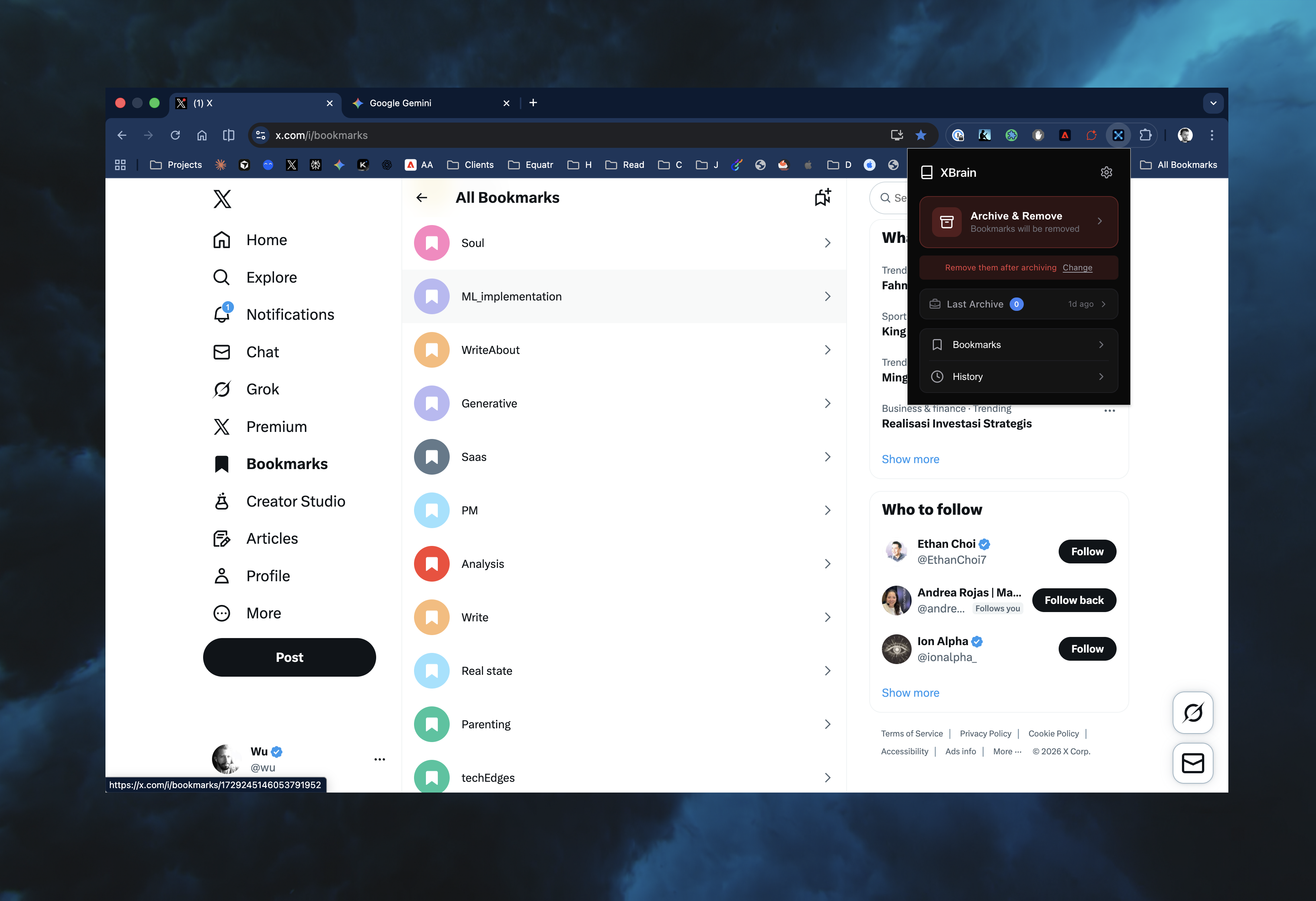
The Before/After Frame
Before starting any project, define what success looks like. For a bookmark system:
Before: Thousands of bookmarks with no retrieval method. No way to interact with content meaningfully. Finding old saves requires endless scrolling.
After: A searchable, organized knowledge vault. Content grouped by topic. The ability to create living documents that evolve as you add related bookmarks. A weekly review workflow where you sit with your insights instead of hunting for them.
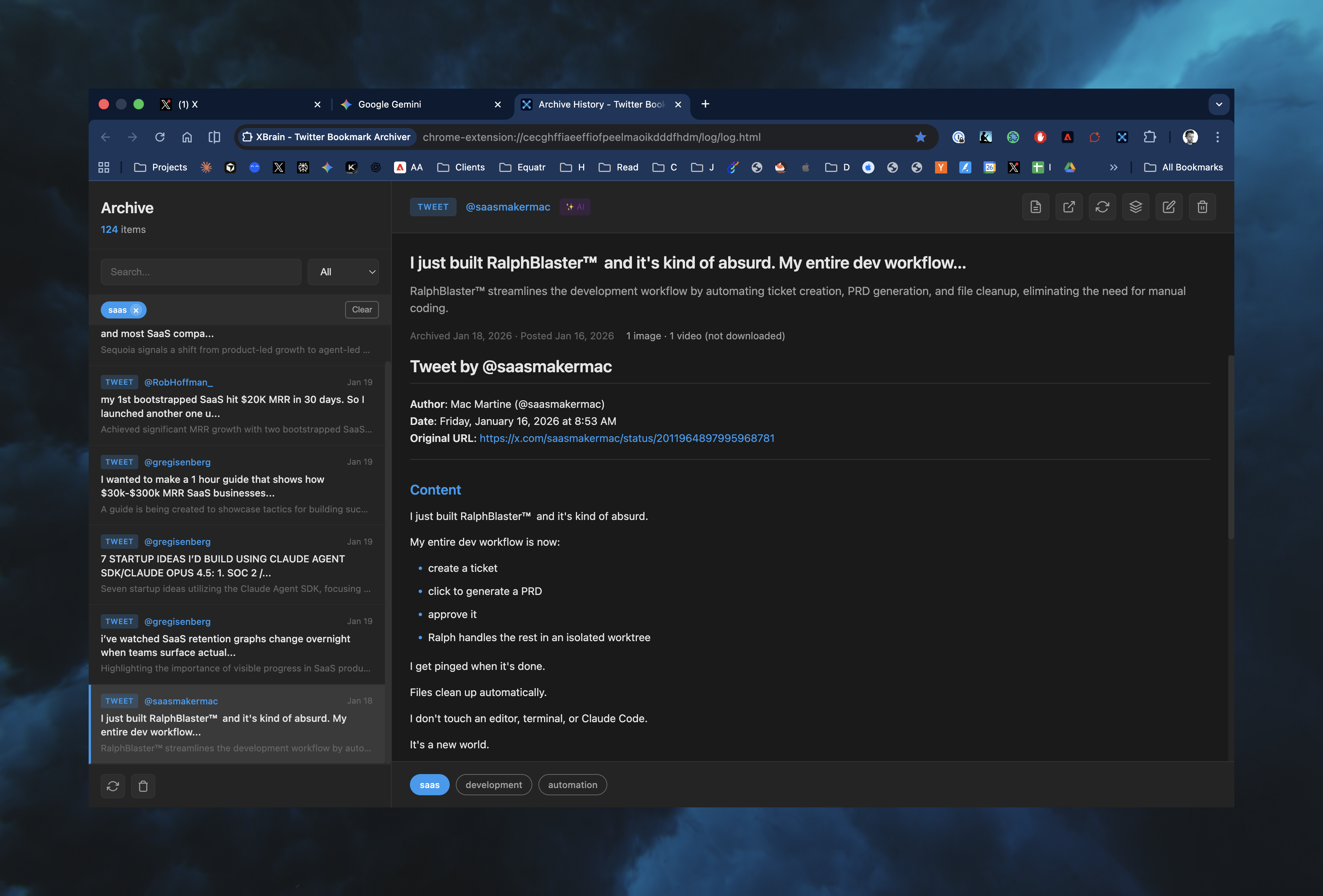
The Architecture
A Chrome extension provides the simplest path to implementation. The core loop:
- Navigate to Twitter bookmarks
- Click the extension
- Content gets extracted and saved as clean markdown locally
- Metadata (author, date, URL, media) gets stored as structured JSON
- Everything lands in an Obsidian vault, organized by year and month
- Optionally, bookmarks get deleted from the account
The extraction handles:
- Single tweets
- Full threads (stitched together)
- Linked articles (when a tweet contains a blog post link, grab the article too)
- Media references (images, videos noted in metadata)
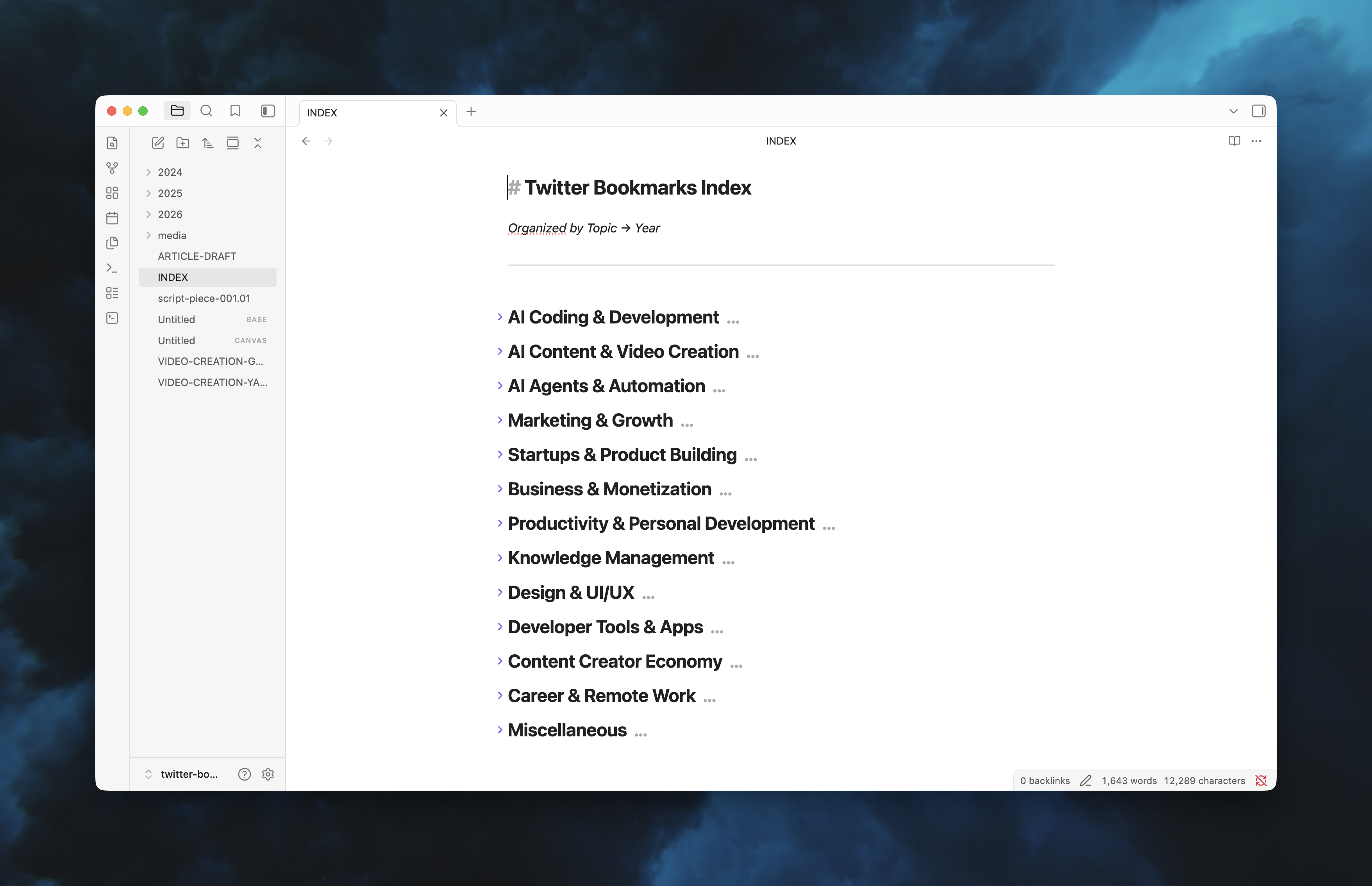
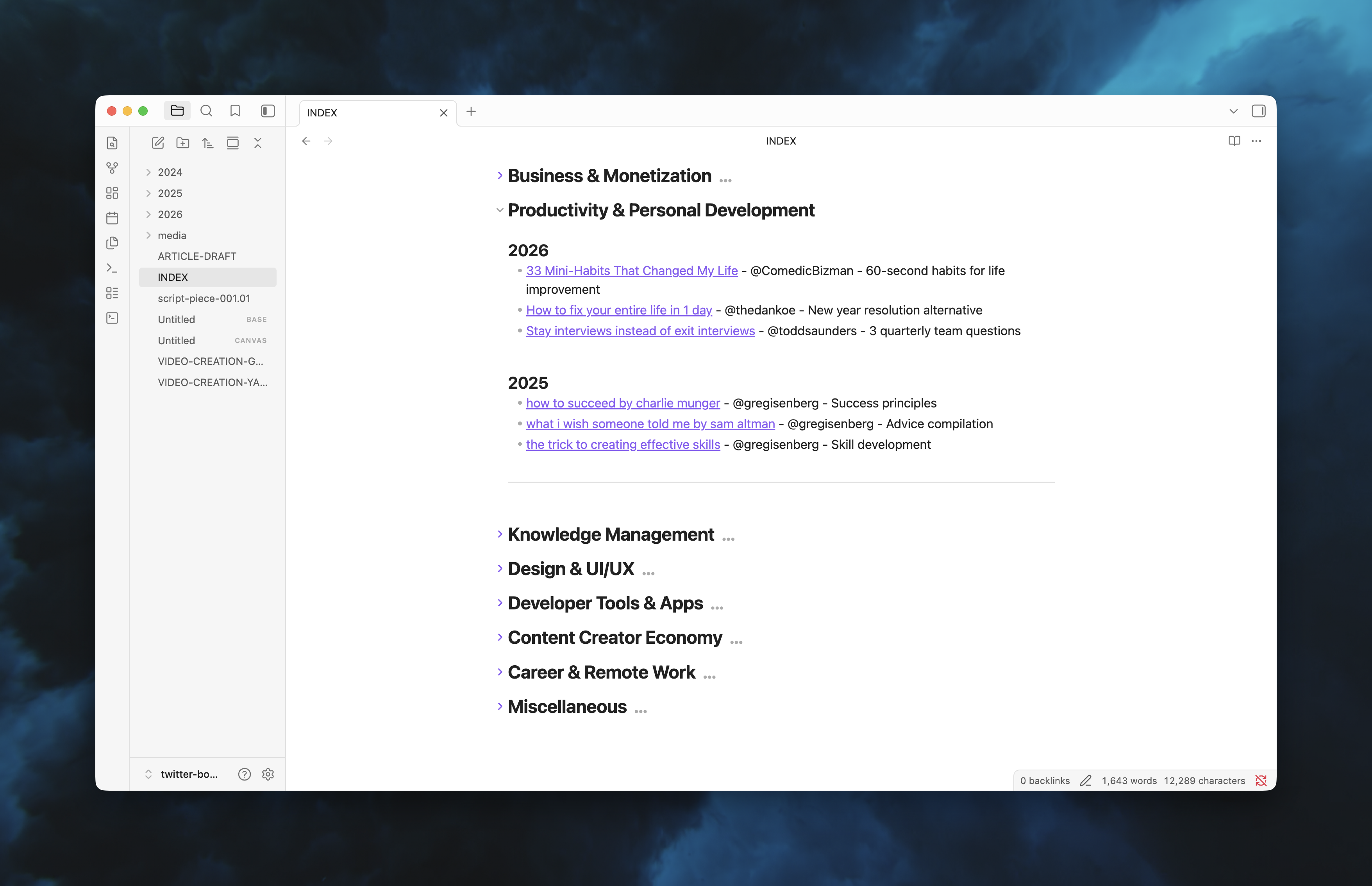
An INDEX.md file serves as a table of contents, organized by topic:
- AI & Development
- Marketing & Growth
- Startups & Product
- Productivity & PKM
- ...
Why This Stack
Markdown is forever. Plain text doesn't rot. It doesn't get locked behind proprietary formats.
JSON is queryable. Structured metadata enables building on top of this foundation - search tools, analytics, integrations.
UI agnostic. Obsidian works today. If something better emerges tomorrow, migration is trivial.
Local first. Works offline. Your data stays yours.
The Vibe Coding Approach
Building personal tools differs from production software. There's no user base to disappoint, no roadmap to follow. The bar is simple: does this solve the problem better than the alternative?
This approach makes weekend projects accessible. You don't need the perfect library or optimal architecture upfront. Describe what you want, iterate on what you get, ship when it's useful. Programming experience helps, but the methodology works at any skill level.
Current Limitations
No tool ships perfect. The one we coded for this has its flaws:
- Generic filenames. Content saves as
content.mdrather than using the tweet's first line. Browsing requires reading folder names. - Tags in JSON, not markdown. Obsidian's tag system reads frontmatter in markdown files. Tags stored in metadata JSON remain invisible to Obsidian without a sync script.
- Edge cases in crawling. Some threads don't stitch correctly. Linked article extraction varies by site.
The 80% Solution
A weekend project spanning 10-15 hours produces something functional and useful, not finished. That's the point. Personal tools don't need polish - they need to work. The freedom of building for yourself means shipping at 80% and iterating when friction appears.
The question isn't "is it perfect?" The question is "does it solve the problem?" For a bookmark system that turns Twitter's chaos into an organized knowledge base, the answer is yes.